Introduction
Writing listing descriptions is not hard once. It is hard repeatedly, under time pressure, with consistent quality.
Most agents already know property details. The bottleneck is turning those details into sharp, compliant marketing copy quickly enough to support listing velocity.
That is why choosing the right ai listing description generator matters.
This article compares the best ai listing description generator options by real workflow criteria, not feature count alone. It is written for high-intent buyers evaluating tools for immediate operational use.
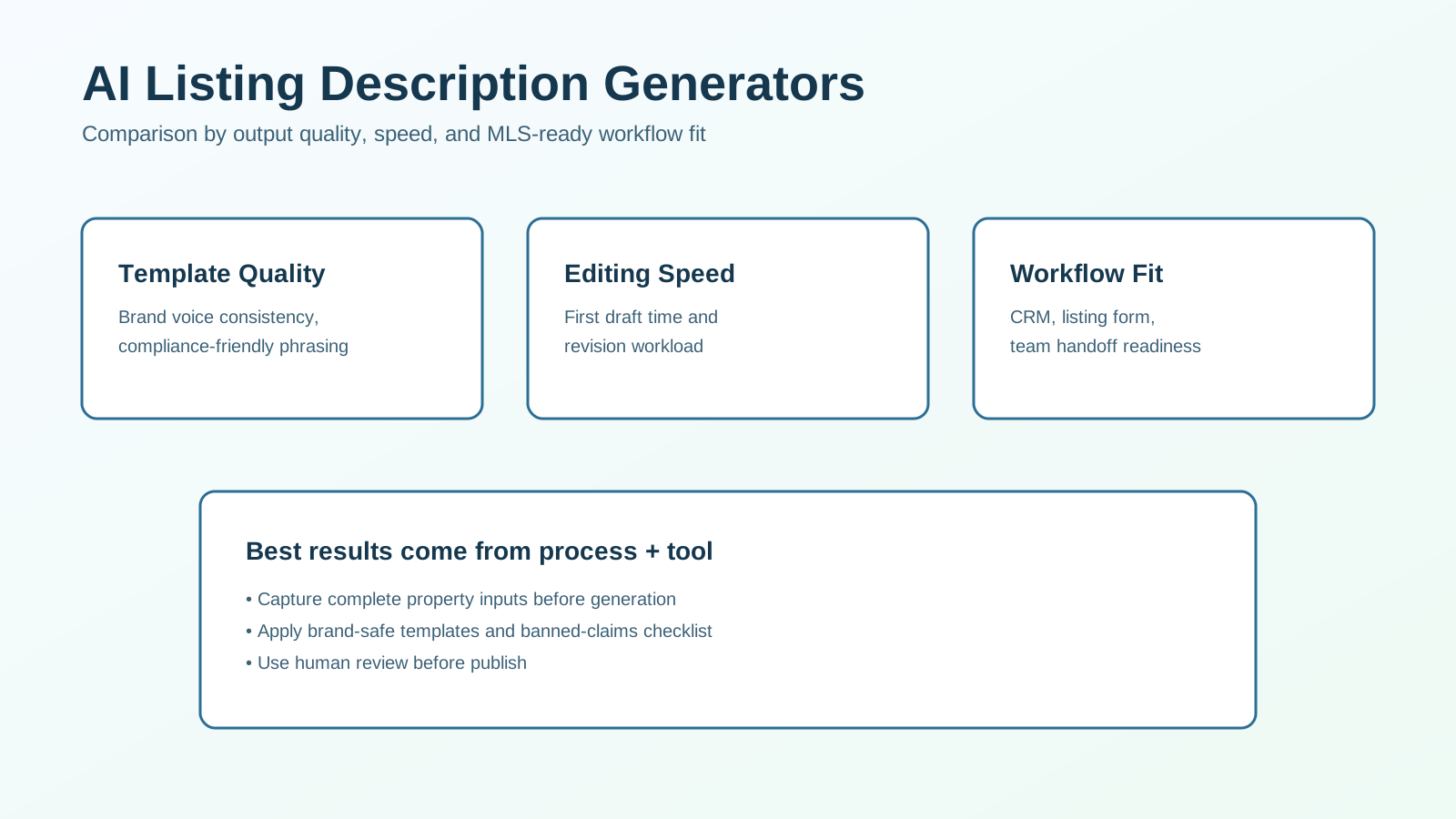
What We Are Comparing
This is a comparison article focused on tool categories and implementation fit.
We evaluate:
- output quality and brand alignment,
- editing speed and usability,
- compliance support and risk controls,
- workflow integration with your existing process,
- cost-to-value over 90 days.
The goal is simple: help you choose tools that reduce production time without lowering listing quality.
Fast Recommendation by Team Type
If you need a quick decision path:
- Solo agents: use a lightweight generator plus one brand template and a final review checklist.
- Small teams: use a shared template library and approval standards to keep voice consistent.
- Larger teams: use workflow-based generation tied to role-based review and publishing rules.
The best tool is usually the one your team can operate reliably every week.
Comparison Criteria That Actually Predict ROI
1. Draft Quality
Can the tool produce clear, specific copy from minimal input, or does every output feel generic?
2. Revision Load
How much editing is required before the copy is publish-ready?
3. Brand and Tone Control
Can you apply repeatable voice constraints and property-style templates?
4. Compliance Safety
Does your workflow include guardrails to catch risky claims before publish?
5. Workflow Fit
Can the tool fit into your listing intake and publishing process without adding extra friction?
6. Total Cost of Ownership
Evaluate subscription cost plus editing time, onboarding time, and maintenance effort.
Use these criteria to shortlist tools before running trials.
Tool Categories and Tradeoffs
| Tool category | Best for | Main tradeoff |
|---|---|---|
| General AI assistants (e.g., ChatGPT, Claude) | Flexible drafting with custom prompts | Needs strong template discipline to stay consistent |
| Real-estate-specific listing tools | Faster property-focused output | Can be rigid or formulaic depending on vendor |
| Marketing suites with AI copy features | Multi-channel repurposing from one draft | Broader platform cost may exceed listing-only needs |
| CRM-connected AI modules | Embedded workflow for teams already in CRM | Feature depth may be limited vs specialized tools |
No single category wins for every team. Fit depends on volume, process maturity, and quality standards.
Side-by-Side Evaluation Framework
Use this practical matrix during trials.
| Criteria | Excellent (5) | Acceptable (3) | Risky (1) |
|---|---|---|---|
| Property specificity | Detailed, accurate, localized | Mostly specific with minor generic phrasing | Generic output with weak detail fidelity |
| Tone consistency | Matches brand voice with minimal edits | Needs moderate tone editing | Voice shifts significantly each draft |
| Editing speed | Ready in 1-2 quick passes | Requires several edits | Heavy rewrite needed every time |
| Compliance readiness | Easy to apply reviewed rules | Partial safeguards | No practical controls or flags |
| Team adoption | Clear workflow and fast onboarding | Some process friction | Tool avoidance by agents after trial |
A tool that scores high on all five criteria usually outperforms flashy options over time.
Best Use Cases for AI Listing Description Tools
High Listing Volume Teams
When listing cadence is high, speed and consistency matter more than one-off creative polish.
Solo Agents with Limited Time
A good generator can reduce writing time and free capacity for client communication and showing preparation.
Brokerages Standardizing Brand Voice
Shared templates and review steps help maintain output quality across multiple contributors.
Hybrid Marketing Workflows
Teams that repurpose listing copy into email and social content gain additional leverage from integrated tools.
Common Failure Modes and Fixes
Failure 1: Generic Outputs That Sound the Same
Fix: provide structured property inputs and use format-specific prompt templates.
Failure 2: Overstated or Risky Claims
Fix: use a banned-claims checklist and require human review before publishing.
Failure 3: Long Editing Cycles Despite AI
Fix: define required input fields and a standard editing rubric.
Failure 4: Low Agent Adoption
Fix: choose fewer tools, simplify workflow, and train on one approved process.
90-Day Rollout Plan
Phase 1 (Weeks 1-2): Setup
- define property input template
- build 2-3 approved prompt structures
- document compliance review checklist
Phase 2 (Weeks 3-6): Pilot
- run side-by-side tests on active listings
- compare edit time and publish quality
- track agent usability feedback
Phase 3 (Weeks 7-12): Standardize
- finalize tool and templates
- train team on one workflow
- monitor quality and cycle-time KPIs
This phased rollout improves adoption and reduces tool churn.
KPI Targets to Track
Measure impact with clear operational metrics:
- average first-draft generation time
- average edit-to-publish time
- revision rounds per listing
- publish-ready rate on first pass
- listing engagement changes after copy improvements
If speed improves but quality drops, tighten templates and review rules.
Buying Checklist (Before You Commit)
Use this checklist during final vendor selection:
- does it produce property-specific output from your real inputs?
- can agents learn the workflow in one short session?
- do outputs stay consistent across different users?
- can compliance and brand checks be embedded?
- can generated copy be repurposed for email/social with minimal rewrite?
- does the cost make sense at your current listing volume?
Only buy after testing with live listing examples, not sample demos.
Comparison: Lightweight vs Advanced Tool Stacks
| Stack style | Best for | Limitation |
|---|---|---|
| Lightweight stack (one generator + checklist) | Solo agents and lean teams | Limited automation depth |
| Advanced stack (generator + CRM + automation) | Multi-agent teams with process owners | Higher setup and governance requirements |
Start with lightweight workflows, then add complexity only when volume justifies it.
Decision Framework
Choose a lightweight listing generator first if:
- your current bottleneck is writing time,
- listing volume is moderate,
- your team has limited ops bandwidth.
Choose a more integrated stack if:
- multiple people contribute to listing copy,
- brand inconsistency is hurting quality,
- you need repeatable publish workflows with approvals.
For most teams, phased implementation beats immediate full-stack rollout.
Frequently Asked Questions
What is the best AI listing description generator for real estate agents?
The best tool is the one that gives property-specific drafts quickly and fits your existing listing workflow with manageable review effort.
Are these tools worth it for solo agents?
Yes, especially when they cut writing and editing time while preserving quality standards.
Can I publish AI-generated descriptions without editing?
Not recommended. Human review should verify accuracy, tone, and compliance before publishing.
What should I measure during trials?
Track generation speed, edit time, consistency across users, and publish-ready quality.
Final Recommendation
For most teams, the highest-ROI path is:
- select one listing description generator,
- standardize property input fields,
- enforce a short review checklist,
- monitor speed and quality KPIs for 90 days.
That process delivers more value than constantly switching tools.
If you want tool affiliate recommendations based on your listing volume and team model, use our affiliate tool picks and we can map a shortlist for your workflow.